Understanding RAM & System Performance
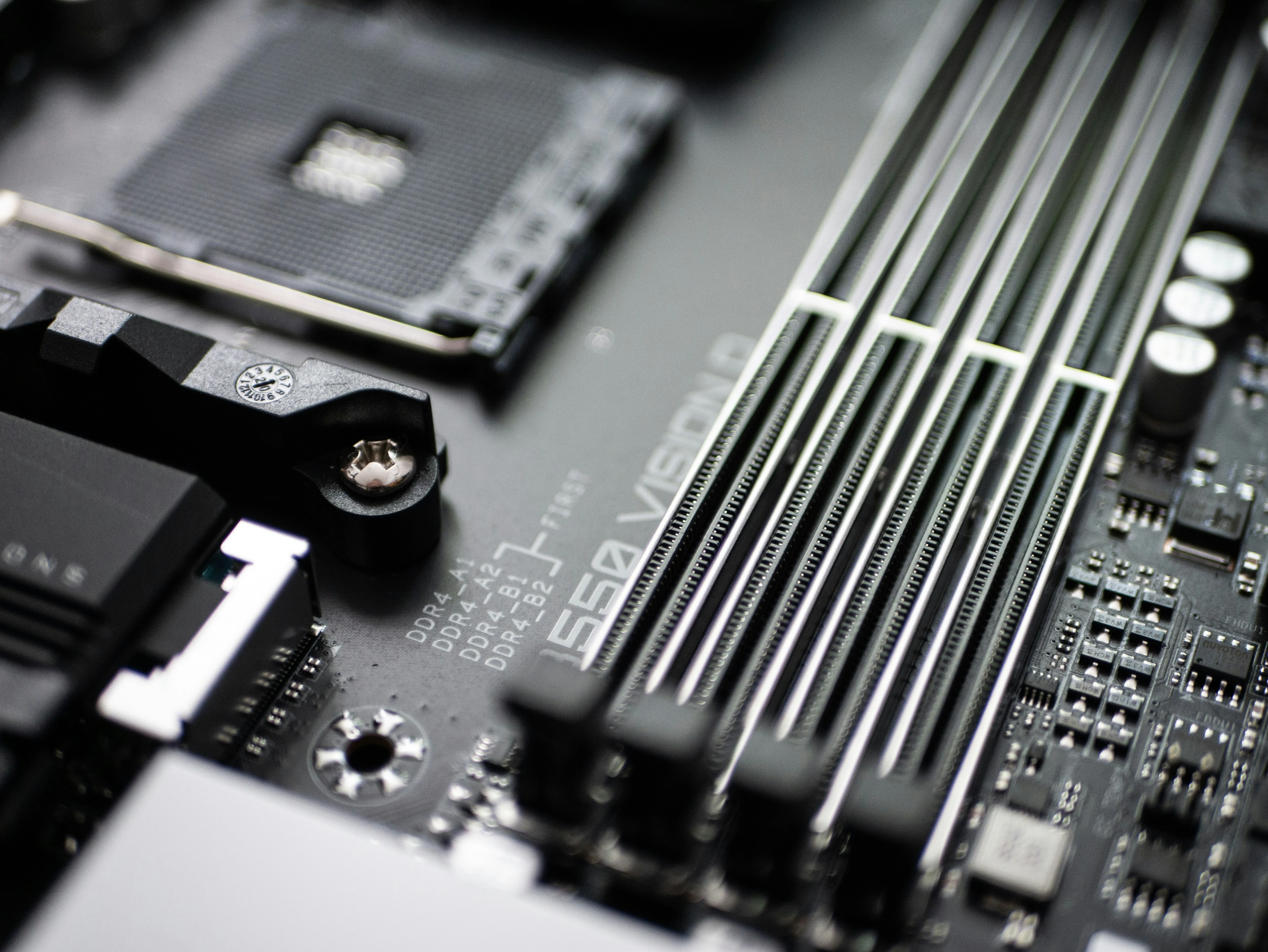
Photo above by Sven Finger on Unsplash
As I continue my journey through the CompTIA A+ curriculum, I find myself delving into the intricacies of computer memory and system performance. Today, I’d like to share some fascinating insights I’ve gained about Random Access Memory (RAM) and its critical role in computer functionality.
The Nuances of RAM: More Than Just Memory
One of the most intriguing concepts I’ve encountered is RAM latency. It’s not just about how much memory you have, but also how quickly your system can access it. Latency in RAM refers to the slight delay that occurs when the memory controller requests data. This seemingly small delay can significantly impact system performance.
I’ve learned that mismatching RAM latency with motherboard specifications can lead to system instability or even complete failure. It’s a reminder of how crucial it is to understand the specific requirements of each component in a computer system.
ECC RAM: Guardian of Data Integrity
Another fascinating aspect of RAM technology is Error Correction Code (ECC) RAM. This specialized type of memory goes beyond standard RAM by actively detecting and correcting errors in data. It’s remarkable how ECC RAM can identify and fix single-bit errors on the fly, ensuring data integrity in critical systems.
While ECC RAM is primarily used in high-end systems and servers, understanding its functionality gives me a deeper appreciation for the measures taken to maintain data accuracy in professional computing environments.
Virtual Memory: Bridging the Gap
One concept that particularly caught my attention is virtual memory. It’s fascinating how operating systems can use hard drive space as an extension of physical RAM. This clever technique, which creates a page file or swap file, allows computers to run more programs than their physical RAM would typically allow.
However, I’ve also learned about the downside of relying too heavily on virtual memory. The term “disk thrashing” vividly describes the situation where a system constantly swaps data between RAM and the hard drive, significantly slowing down performance. It’s a clear indicator that a RAM upgrade might be necessary.
Diagnosing RAM Issues
From my days of IT Network Management and helping users throughout the company, I’m well-versed in diagnosing RAM-related issues. The telltale signs of insufficient RAM are familiar to me: general system sluggishness and excessive hard drive activity. These symptoms typically indicate that the system is struggling with inadequate RAM, resulting in slow program loading and an unresponsive feel.
I’ve employed a variety of practical methods for assessing RAM capacity and usage, each offering unique insights into system performance. The Windows Task Manager, for instance, has been an indispensable go-to tool, providing real-time information on memory utilization across different processes. Additionally, I’ve leveraged command-line tools such as ‘wmic’ in Windows to gather detailed RAM specifications, including speed and manufacturer information.
Beyond these, I’ve learned about specialized diagnostic software like MemTest86 for comprehensive RAM testing. This tool seems particularly valuable when troubleshooting potential hardware issues, as it can perform extensive memory checks. I’m eager to try it out in practice.
Additionally, I’ve discovered the potential of Performance Monitor (perfmon) for more granular analysis. This tool apparently allows for tracking memory-related counters over extended periods, which could be crucial for identifying intermittent issues or patterns in RAM usage. While I haven’t had the chance to use it yet, I’m looking forward to exploring its capabilities in real-world scenarios.
The Volatile Nature of RAM
One of the most fundamental yet often overlooked aspects of RAM is its volatile nature, which plays a crucial role in how computers manage data during operation. This characteristic means that RAM is designed for temporary data storage and rapid access, but it cannot retain information without a constant power supply. When a computer is powered off or experiences an unexpected shutdown, all data stored in RAM is immediately erased, returning the memory to its blank state.
This volatile nature of RAM has significant implications for computer users and system designers alike. It underscores the critical importance of implementing robust data management practices, particularly when it comes to saving work and maintaining data integrity. Users must develop the habit of frequently saving their work to non-volatile storage mediums, such as hard drives, solid-state drives, or cloud drives to prevent data loss in case of system failures or power interruptions.
Furthermore, the transient nature of RAM highlights the necessity for reliable and efficient storage solutions in modern computing systems. While RAM provides the speed necessary for active data processing, it must work in tandem with non-volatile storage to ensure long-term data preservation. This symbiotic relationship between volatile and non-volatile memory forms the backbone of effective data management in computer systems, balancing the need for rapid access with the requirement for persistent storage.
Putting Knowledge into Practice: Upgrading an Old Inspiron 3501
After going through this chapter, I decided to upgrade the RAM on my old Inspiron 3501 Intel Core i5 running Windows 11 OS. My first step was to research the laptop’s specifications. Using the Service Tag, I accessed the Dell Support website to determine the maximum RAM capacity for this model. This crucial step ensured that I wouldn’t purchase incompatible or excessive RAM.
When it came to selecting the new RAM, I drew upon my past experience as an IT Network Manager. I chose a brand I had frequently used and trusted for Dell laptop workstations. This decision highlighted the importance of not just theoretical knowledge, but also practical experience in the field.
I opted for a 16GB DDR4 3200MHz RAM module. This choice was deliberate, aiming to significantly improve both the laptop’s capability and its performance. The higher frequency of 3200MHz was selected to enhance processing speed, a key factor in overall system responsiveness.
The upgrade process itself was a practical application of the safety and installation practices I’ve learned. It reinforced the importance of proper handling to avoid electrostatic discharge and the need for compatibility between components. Below is an image of the laptop after I unscrewed the casing and removed the OEM RAM.
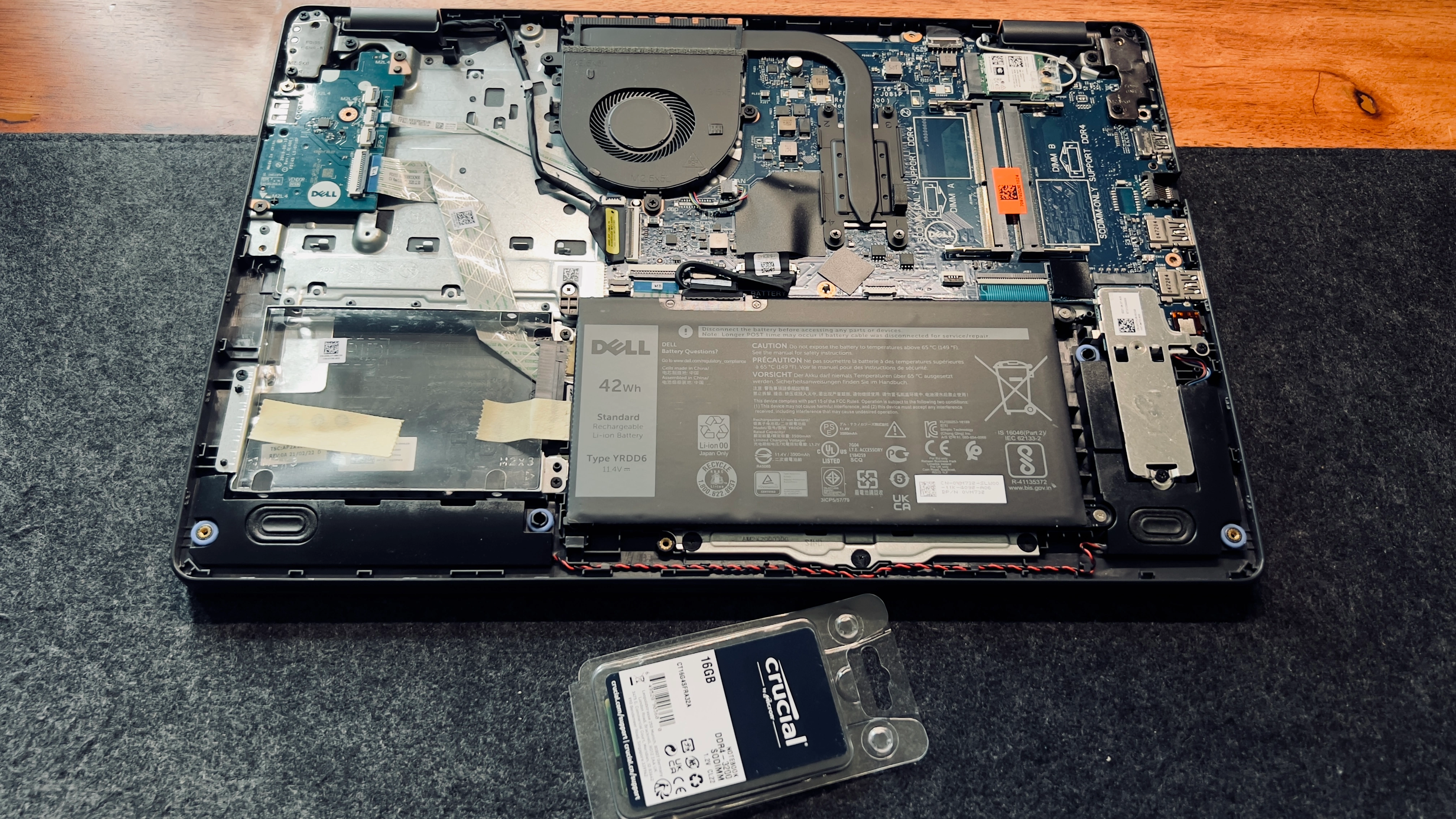
After the upgrade, the improvement in the laptop’s performance was noticeable. Programs loaded faster, multitasking became smoother, and the overall system responsiveness increased dramatically. This real-world application of my studies not only validated the knowledge I’ve gained but also provided a tangible example of how understanding computer components can lead to practical improvements in everyday technology use.
It’s one thing to learn about these concepts in theory, but applying them in practice brings a whole new level of understanding and satisfaction. As I continue my studies, I look forward to more opportunities to bridge the gap between theoretical knowledge and practical application in the world of IT.